Technology
WhatsApp Offers Multiple Ways to Send Diwali Stickers
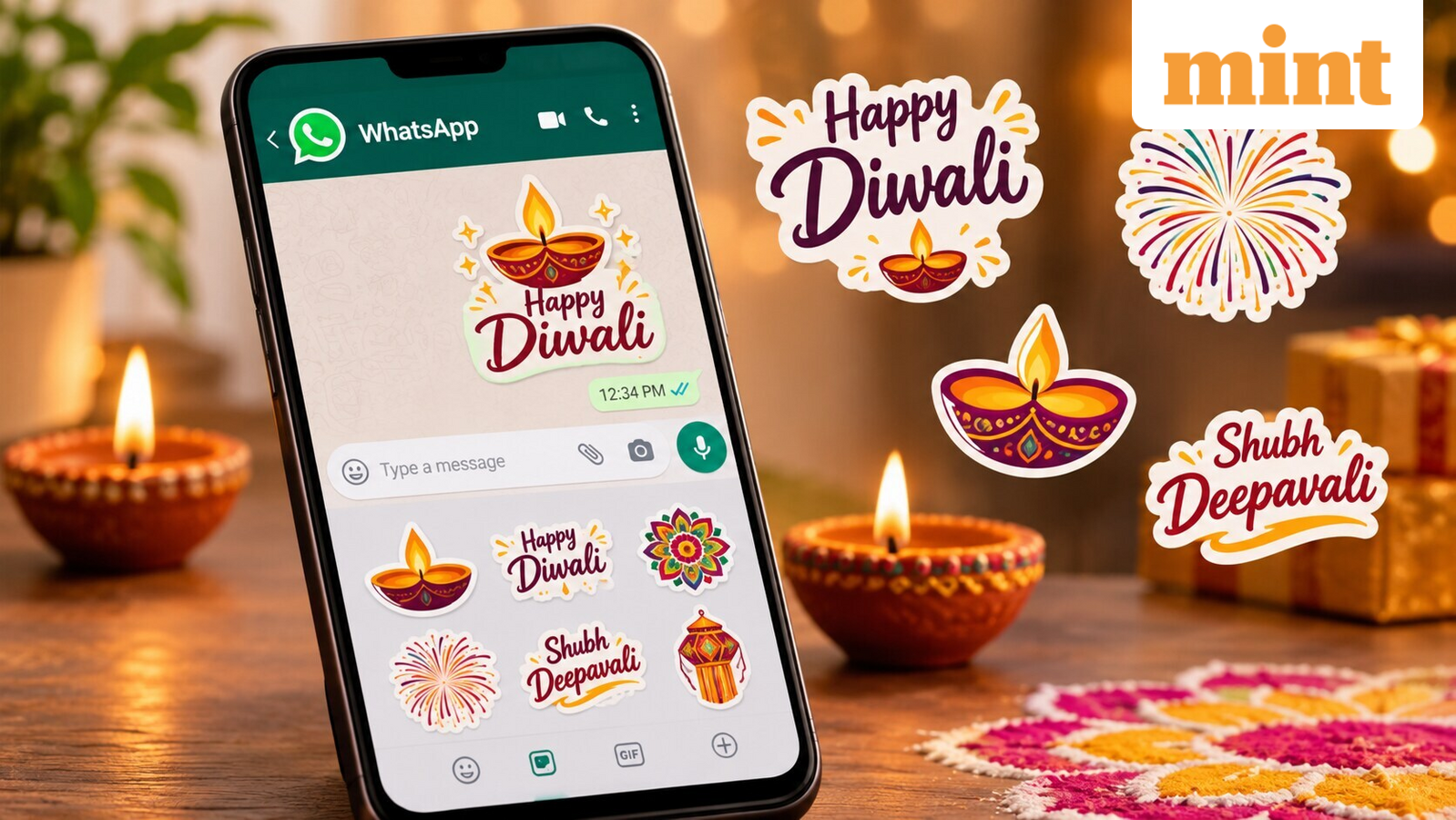
WhatsApp lets users send Diwali greetings with stickers that feature colourful diyas, rangoli designs and wishes for happiness and prosperity. The app’s built‑in sticker store allows users to browse and download packs directly. In a chat, tap the emoji icon, then the sticker icon, and tap the ‘+’ to view available packs. Tap the download icon next to a pack to add it to your library.
Users can also create personalised stickers. Open a chat, tap the sticker icon and select ‘Create’. Choose a photo from the gallery or take a new one, then add text, emojis or drawings before sending. The custom sticker feature is available on the latest Android and iOS versions.
In some countries, WhatsApp offers an AI sticker creation tool that generates up to four designs from a text description, though it is not yet universally available.
If the built‑in store lacks desired designs, Android users can download third‑party sticker apps from the Google Play Store. Search for ‘Diwali WhatsApp stickers’, review the app’s developer, ratings and permissions, then open the app to add a pack to WhatsApp if supported.
Stickers can be saved to favourites for easy reuse. In a conversation, tap and hold a sticker and select ‘Add to Favorites’. The sticker appears in the favourites tab of the sticker section.
With these options, WhatsApp users can download ready‑made festive collections, create custom stickers, or use AI‑generated designs to share Diwali wishes with friends, family and colleagues.