Gaming & Esports
Valve Adds Foveated Rendering to Half‑Life: Alyx PC Version
By Jacob Ridley
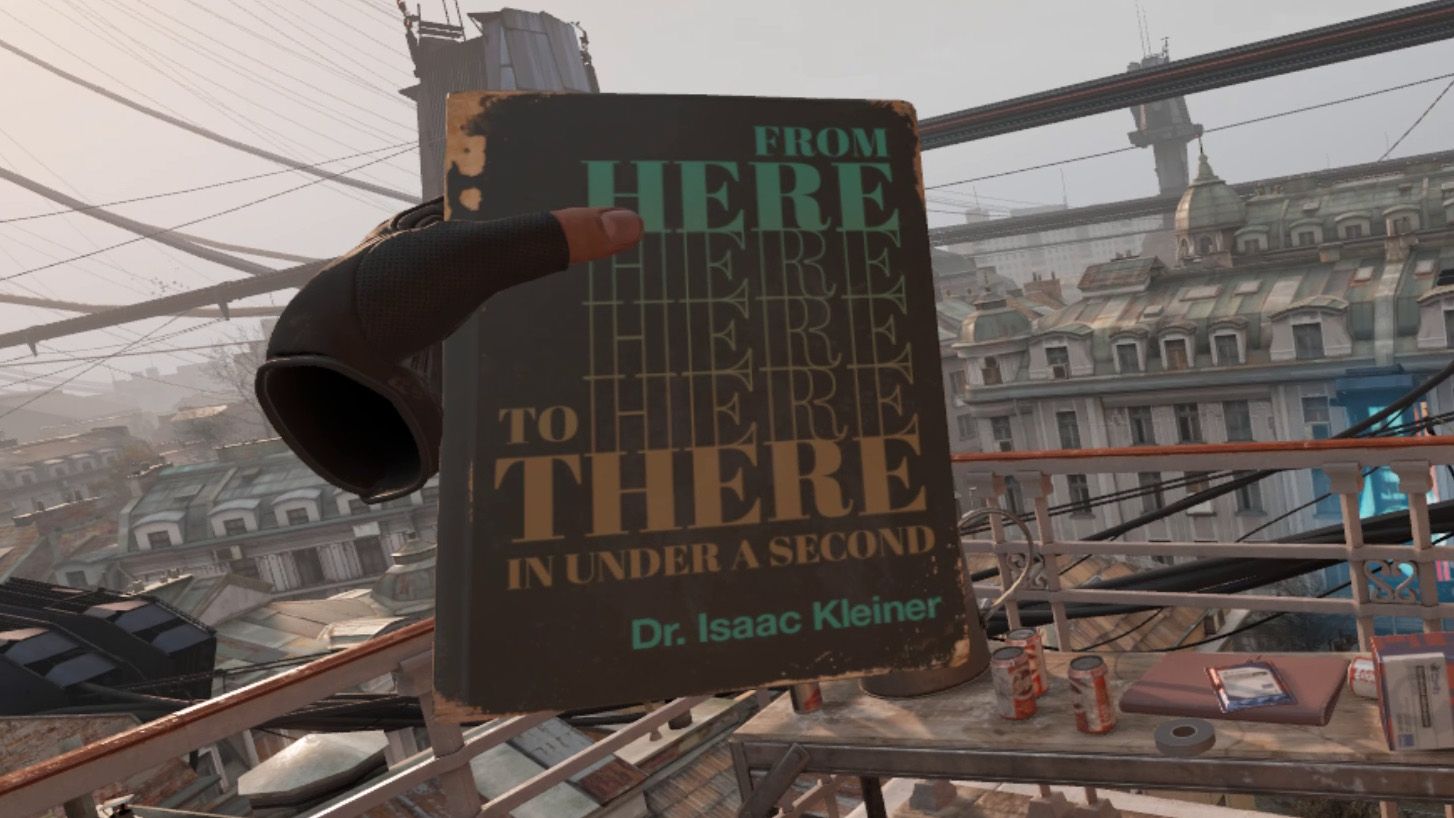
Valve has released a patch for the PC version of Half‑Life: Alyx that adds support for foveated rendering, a feature that reduces rendering load by lowering image quality in peripheral vision while keeping the center sharp. The new setting appears in the Advanced Performance section of the game’s settings menu and can be enabled on supported hardware. For DirectX, the feature works on Nvidia GTX 16xx and RTX 20xx series cards; AMD users must launch the game with the –vulkan flag. Valve notes that foveated rendering works best when paired with eye‑tracking, and lists several headsets that support the feature, including the Steam Frame, Meta Quest Pro, Bigscreen Beyond 2e, Apple Vision Pro, PS VR2, Pimax Dream Air, Pimax Crystal series, Varjo Aero, and potentially others. The technique is already used in the Steam Frame’s Snapdragon port of the game. According to Valve’s documentation, enabling the feature can improve performance, especially on high‑resolution headsets, and the patch is available to all PCVR users regardless of whether they own a Steam Frame.
Frequently asked questions
Which GPUs support foveated rendering in Half‑Life: Alyx on DirectX?
Nvidia GTX 16xx and RTX 20xx series cards.
How can AMD users enable foveated rendering in Half‑Life: Alyx?
By launching the game with the –vulkan flag.
Does foveated rendering require eye-tracking?
Valve notes it works best when paired with eye‑tracking.